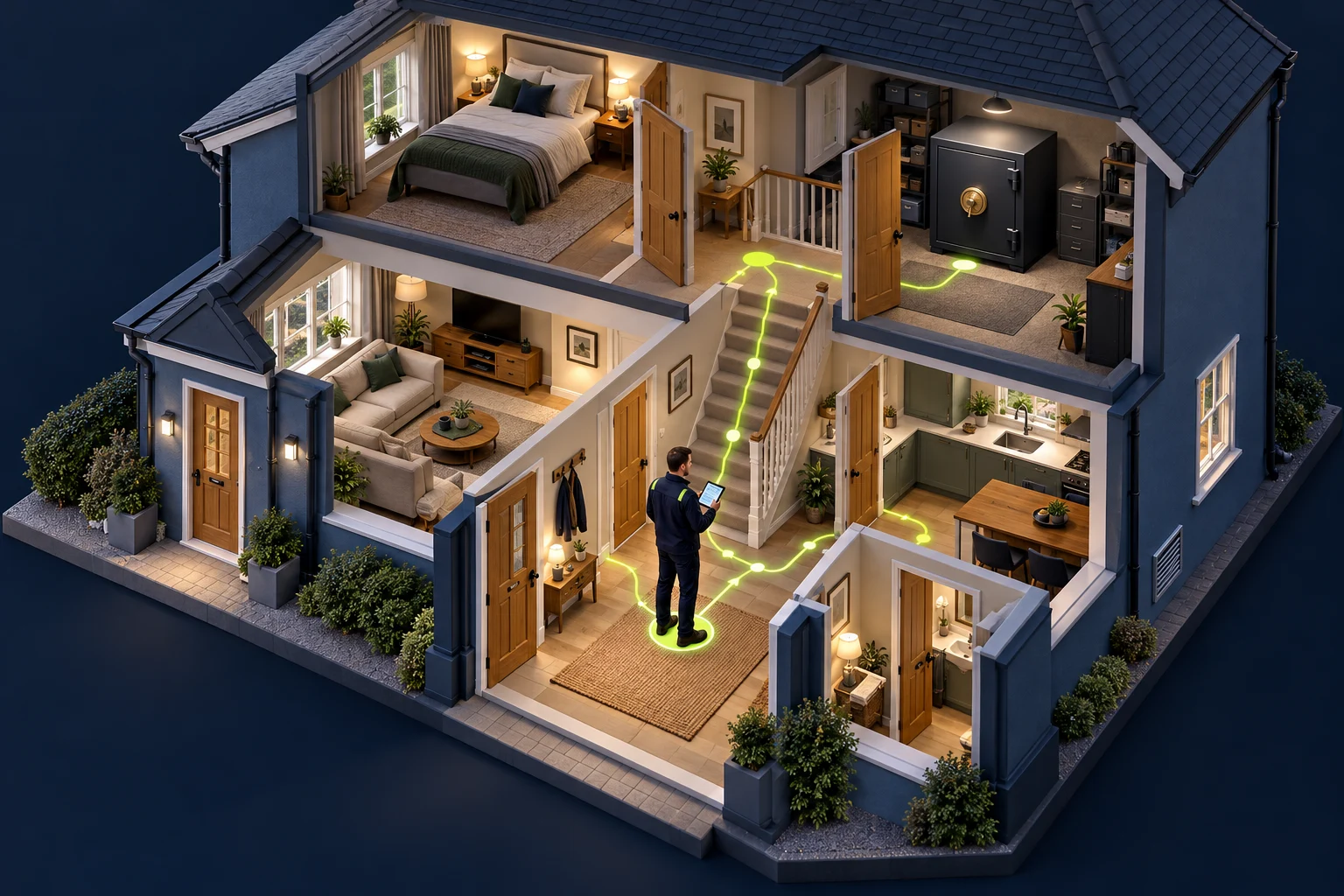
Understand the environment from inside. After initial access—or from an agreed internal starting point—map reachable hosts, identities, and trust relationships.
The house & safe / Chapter 03
Map the rooms and corridors
Once inside—or starting from an agreed internal position—learn the layout, stairways, locked rooms, CCTV, alarms, and route toward the safe.
Technical meaning: Inventory the current identity, reachable networks, resources, and trust relationships. Seeing a room does not mean having permission to enter it.
Enumerate only approved subnets and directory data.
Distinguish network reachability from permission to access resources.
Phase deliverable
An internal topology and a prioritized set of reachable attack paths.
Document what you observed, the assumptions you tested, and what remains unverified.
Field method / Expanded guide
Work through the phase.
This guide uses a five-phase teaching model. PTES separates additional stages, and NIST uses a different lifecycle. The topics below adapt those ideas to the workflow here; they are not a claim that every framework uses these five names.
1. Establish the viewpoint and local context
HOUSE LENS First identify which room you are in and which keys you currently have.
Network visibility is specific to the host and identity you are using.
Record the hostname, account, groups, interfaces, routes, and relevant local services. Compare this starting point with the agreed assumed-breach scenario. A route indicates a possible forwarding path, while a successful connection gives narrower evidence of reachability.
Keep your collection timestamp because sessions and routes can change.
Distinguish loopback listeners from network-exposed listeners.
Note the privileges needed for each observation; incomplete access can hide processes or services.
2. Evaluate segmentation with an explicit matrix
HOUSE LENS A visible corridor is a candidate route. Test whether the agreed door at its end is actually reachable.
Test the permitted communication model from a known source.
Create a source-to-destination matrix with approved subnets, target services, and expected connectivity. Test selected destinations rather than treating every discovered address as an authorized target. A timeout can have many causes and needs careful interpretation.
Record source address, destination, port, method, and result.
Compare expected policy with observed reachability.
Report what was actually tested, including unreachable or excluded segments.
3. Enumerate identity and resource relationships
HOUSE LENS A key register shows which keys open which doors. A line on that register is a candidate path, not proof you have walked it.
Directory relationships describe candidate paths that need further validation.
Analyze group nesting, delegated object permissions, trusts, and selected resource access. BloodHound can make complex identity relationships visible, but a graph edge is not a completed compromise. Collection methods differ in the systems contacted and data available.
Use a collector version compatible with your BloodHound deployment.
Prefer an explicitly selected collection method over an unexplained “collect everything” run.
Validate important edges against current identity and configuration before claiming impact.
4. Choose the next objective and preserve evidence
HOUSE LENS Choose the next approved room on the route toward the safe and record the assumptions behind that choice.
Prioritize the path that answers the engagement’s business question.
Correlate services and identity relationships with the agreed objective. A management service reachable from a workstation may matter more than numerous unrelated open ports. Where the next step would leave scope, document the candidate and stop that path.
Save a small diagram showing the source identity, permission, target, and proposed outcome.
Separate lateral movement to another host from escalation of privilege.
Return new hypotheses to the exploitation phase; internal recon can repeat after each new viewpoint.
5. Check CCTV and alarm coverage
Visibility → detection → response. Verify each link rather than assuming the next one.
HOUSE LENSCCTV records what happened; a door sensor signals a condition; the alarm notifies someone. A guard reviewing that signal corresponds to detection triage and response.
A recorded event, a detection alert and a response are separate observations.
In the house, first understand which rooms have cameras, which door sensors feed the alarm, and who receives the alert. Technically, identify the approved logging and monitoring coverage: operating-system events, application logs, EDR, network sensors, and SIEM rules. Record the difference between what the assessor can observe and what the defender confirms.
Visibility: determine which host, application, network, and identity events are available to defenders.
Detection: coordinate a bounded test event and ask whether it produced an expected rule match or alert.
Response: compare the test timestamp with triage, investigation, and any agreed containment action.
Limits: no alert visible to the tester does not prove that no telemetry or detection exists. Some controls are centralized or unavailable to the test identity.
Checking the camera system here means understanding and validating defensive coverage. Disabling cameras or alarms is a different action and is not part of this example.
Tools / Practical reference
Commands, outputs, interpretation.
Use approved targets. These examples show representative behavior; output varies by environment. Angle-bracket values must be replaced. No command here guarantees a finding.
[+] Running
Containers for the configured BloodHound deployment started
How to interpret it: Run only from a prepared, official deployment directory. Container names vary. The UI needs separately collected, authorized directory data; starting containers does not enumerate AD or prove an exploitable path.
List listening TCP sockets on the current Linux host
List listening TCP sockets on the current Linux hostCommand / authorized lab
ss -lnt
Expected output / illustrative
State  Recv-Q Send-Q Local Address:Port Peer Address:Port
LISTEN 0      128    127.0.0.1:5432     0.0.0.0:*
LISTEN 0      128    0.0.0.0:22         0.0.0.0:*
Interpretation: A loopback listener is locally bound; a wildcard listener may be reachable on interfaces, subject to firewall and routing. Listing sockets does not test remote connectivity.
List advertised shares using a dedicated lab account
List advertised shares using a dedicated lab accountCommand / authorized lab
smbclient -L //192.0.2.20 -U "LAB/analyst"
Expected output / illustrative
Password for [LAB\analyst]:
Sharename       Type
---------       ----
Reports         Disk
IPC$            IPC
Interpretation: The password is prompted. Share listing does not establish read or write access to the files. List only the approved server and separately validate agreed resources.
Collector progress messages
Timestamped collection files / ZIP in C:\LabEvidence
[filenames and summary depend on version and collection success]
Interpretation: Requires an approved AD lab, suitable domain context, a compatible collector, and an existing output directory. DCOnly contacts domain controllers rather than other domain-joined computers. It omits computer/session collection; permission limits can still leave gaps.
Inspect a small sample of approved local event telemetry
TimeCreated          Id   ProviderName                 LevelDisplayName
-----------          --   ------------                 ----------------
[local timestamp]    7036 Service Control Manager      Information
[additional host-dependent events]
Interpretation: Read access and output depend on the host. This is a local System-log sample, not a check that SIEM ingestion or EDR detection is working. Correlate agreed test events with defender-side evidence before assessing alert effectiveness.
Interpretation / Common mistakes
Reachability versus permission
Reachability versus permission
Treating a routing entry as proof that a destination service is reachable.
Treating a listed share as proof of file access.
Treating a BloodHound path as a fully exercised attack chain.
Original guidance consulted for methodology and tool behavior. Commands and outputs on this page are illustrative lab examples, not output captured from these sources.
Once inside—or starting from an agreed internal position—learn the layout, stairways, locked rooms, CCTV, alarms, and route toward the safe. Inventory the current identity, reachable networks, resources, and trust relationships. Seeing a room does not mean having permission to enter it.